
- 27 min read
12 Best Twitter Keyword Alerts Tools for 2026
Keeping track of conversations on X (formerly Twitter) is crucial for brand health, lead generation, and customer support. However, manually searching the platform is inefficient and unreliable. You miss real-time opportunities and get lost in the overwhelming noise of the platform's feed. This is where automated Twitter keyword alerts come in. They act as your 24/7 social scouts, instantly notifying you of important mentions so you can act fast.
While standard X search offers basic insights, a robust automated alert system is crucial to truly understand and effectively use Twitter analytics for a comprehensive social strategy. With X's native alert options being virtually non-existent for this purpose, building a reliable system requires turning to specialised third-party tools.
This guide breaks down the 12 best platforms that provide powerful, customisable alerts. We will explore everything from simple email notifications for small businesses to advanced AI-powered social listening suites for enterprise teams. Each option includes detailed analysis, screenshots, and direct links, helping you find the perfect solution for your specific needs and budget. We've done the research so you can find the right tool and start monitoring conversations that matter today.
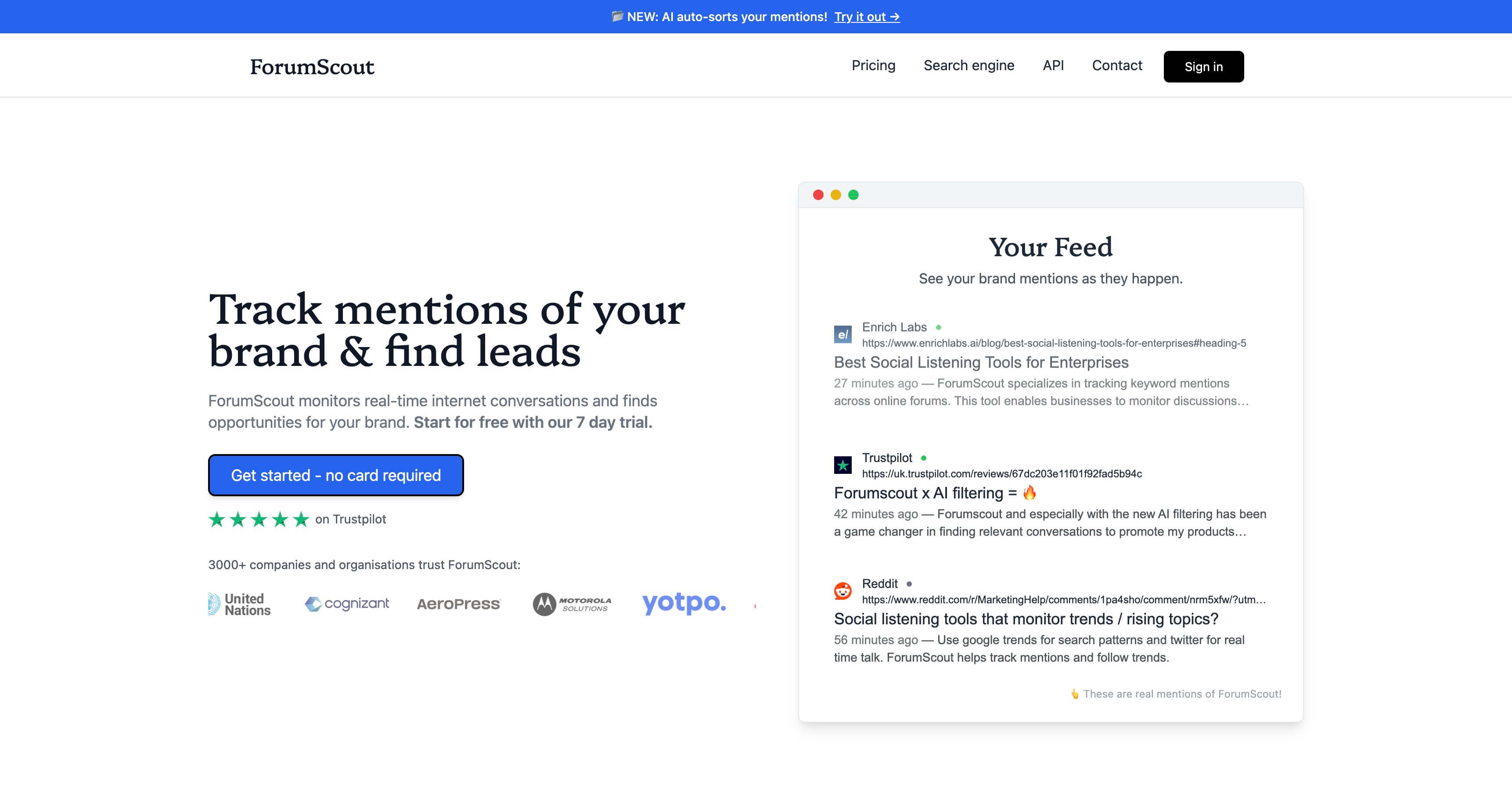
1. ForumScout
ForumScout is a powerful and remarkably accessible social listening platform that excels at delivering near-real-time twitter keyword alerts. Positioned as a modern, cost-effective alternative to legacy enterprise tools, it provides a comprehensive suite of features that empower businesses of all sizes to turn online conversations into actionable intelligence. Its coverage extends well beyond X (formerly Twitter) to include Reddit, LinkedIn, forums, and news sites, offering a holistic view of your brand's digital footprint.
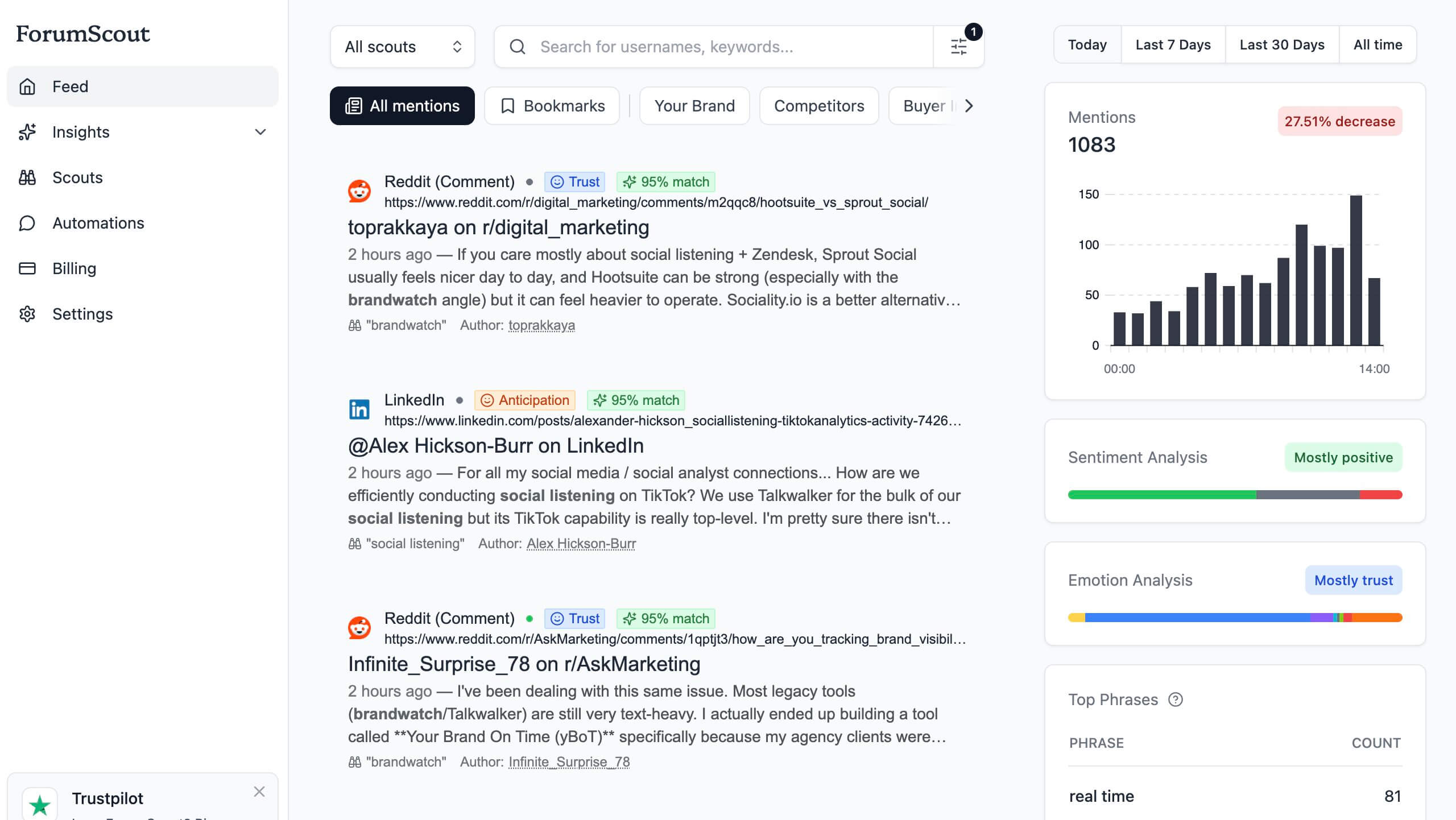
What truly sets ForumScout apart is its user-centric design, particularly its AI-powered natural language filtering. Instead of wrestling with complex Boolean syntax, you can simply describe your ideal mention in plain English. The platform then scores each match, explaining precisely why it’s relevant, which dramatically reduces noise and surfaces high-value opportunities for lead generation, customer support, and competitive analysis.
Standout Features and Practical Applications
ForumScout is more than just an alert system; it's a strategic intelligence tool. Its hourly data refreshes ensure you can react quickly to emerging trends or customer issues. The platform's analytics provide deep insights, including sentiment and Plutchik emotion breakdowns, audience demographics, and share-of-voice trends against competitors.
Key Strengths:
- AI-Powered Natural Language Filtering: Simply write your criteria in plain English (e.g., "people asking for a good CRM under £50/month") to get highly relevant, scored results. This makes setting up precise twitter keyword alerts incredibly intuitive.
- Extensive Source Coverage: Monitors X/Twitter alongside 10M+ other sources including Reddit, Hacker News, Bluesky, and niche forums, providing a wider net for crucial conversations.
- Actionable Competitive Intelligence: The "weakness finder" feature is particularly useful for sales and marketing teams, automatically surfacing posts where customers are complaining about a competitor’s product or service.
- Flexible Integrations: Native Google Sheets and webhook support allow you to easily pipe alerts into your existing workflows using tools like Zapier or Make, connecting mentions directly to your CRM or project management software.
- Transparent and Affordable Pricing: With plans starting at just $19/month, unlimited seats on all paid tiers, and a no-card-required 7-day free trial, it offers exceptional value for startups, SMBs, and agencies.
Considerations and Best Practices
While ForumScout is a robust solution, its lower-tier plans have mention and historical data limits at 3 months on the Growth plan, and up to 12 months on the Enterprise plan. Deeper, native CRM integrations beyond webhooks require middleware like Zapier. For optimal results, start with broad keywords and use the AI filters to progressively narrow down your alerts, creating separate "scouts" for distinct use cases like brand monitoring, lead prospecting, and support triage.
2. Twilert
Twilert is a highly focused tool designed for one core purpose: sending email digests when your keywords are mentioned on Twitter (X). Its strength lies in its simplicity and speed of setup. Unlike comprehensive social listening suites that can feel bloated, Twilert allows users to create and receive targeted twitter keyword alerts in just a few minutes, making it an excellent choice for businesses and individuals who need a dedicated monitoring solution without the complexity.
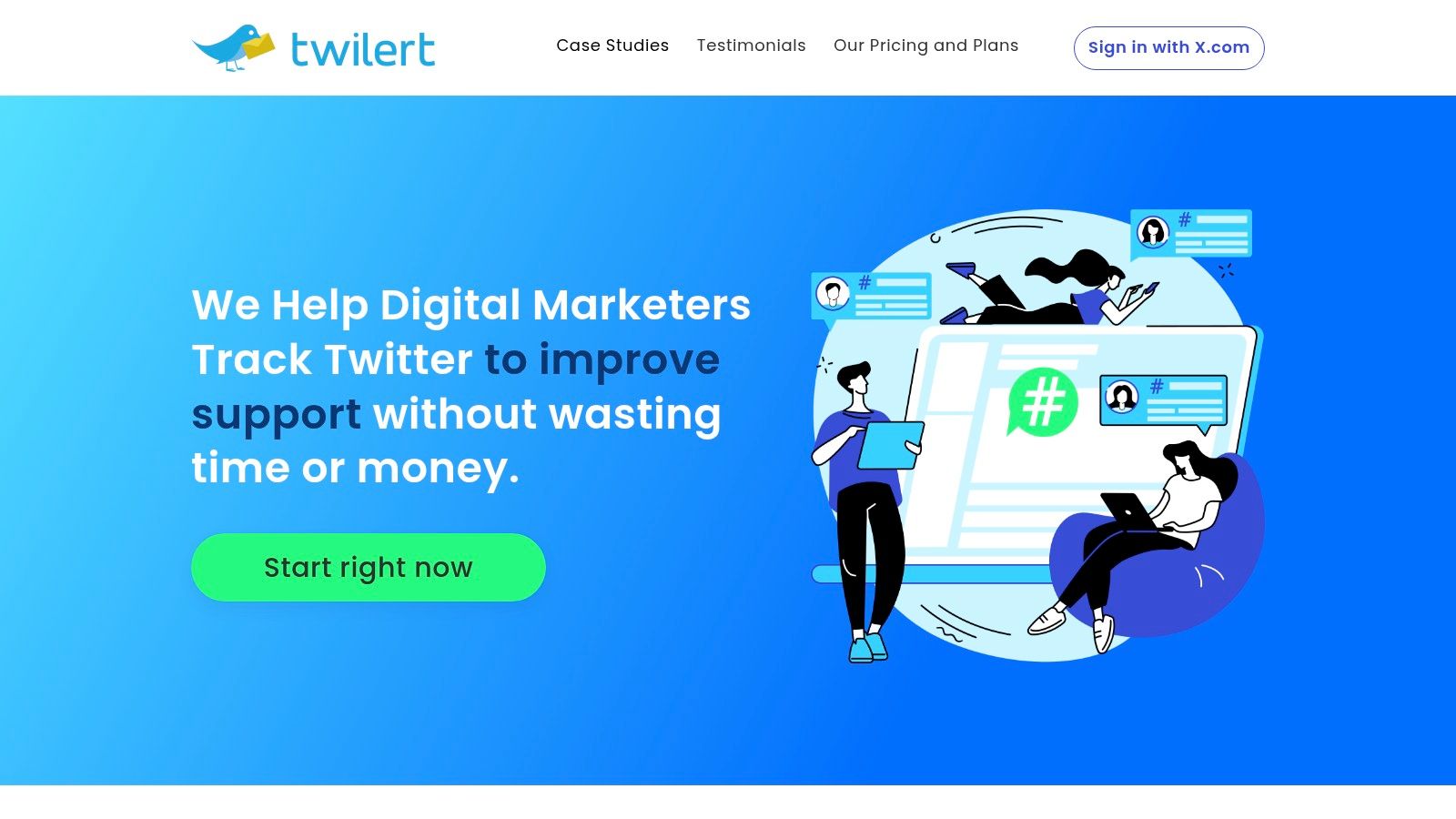
It’s particularly effective for teams who prefer to manage social media tasks from their inbox. The platform supports Boolean-like operators for precise filtering, allowing you to combine keywords, exclude terms, and specify languages or geolocations. This helps you zero in on relevant conversations, whether for brand monitoring, lead generation, or tracking competitor mentions.
Key Features & Considerations
| Feature | Details | Use Case Example |
|---|---|---|
| Alert Frequency | From daily (free) up to every 5 minutes (paid). | A support team uses near real-time alerts to quickly respond to customer complaints. |
| Delivery Options | Email, RSS, JSON, or ATOM feeds. | A marketing agency pipes JSON data into a custom dashboard for client reporting. |
| Free Tier | One free alert delivered daily. | A startup founder tests a "looking for a developer" query before committing to a paid plan. |
While its scope is intentionally narrow, this focus is its primary advantage. Twilert offers a free daily alert to get started, with paid plans unlocking higher frequency and more alerts. This makes it an accessible entry point for setting up your first automated twitter keyword alerts.
Website: https://twilert.com
3. MyTweetAlerts
MyTweetAlerts is another specialised tool that focuses on delivering twitter keyword alerts directly to your email inbox with minimal fuss. It prioritises simplicity and accessibility, making it an ideal choice for users who need a straightforward notification system without the steep learning curve of more complex social listening platforms. The service is built around a clean dashboard where setting up saved searches is a quick and intuitive process.
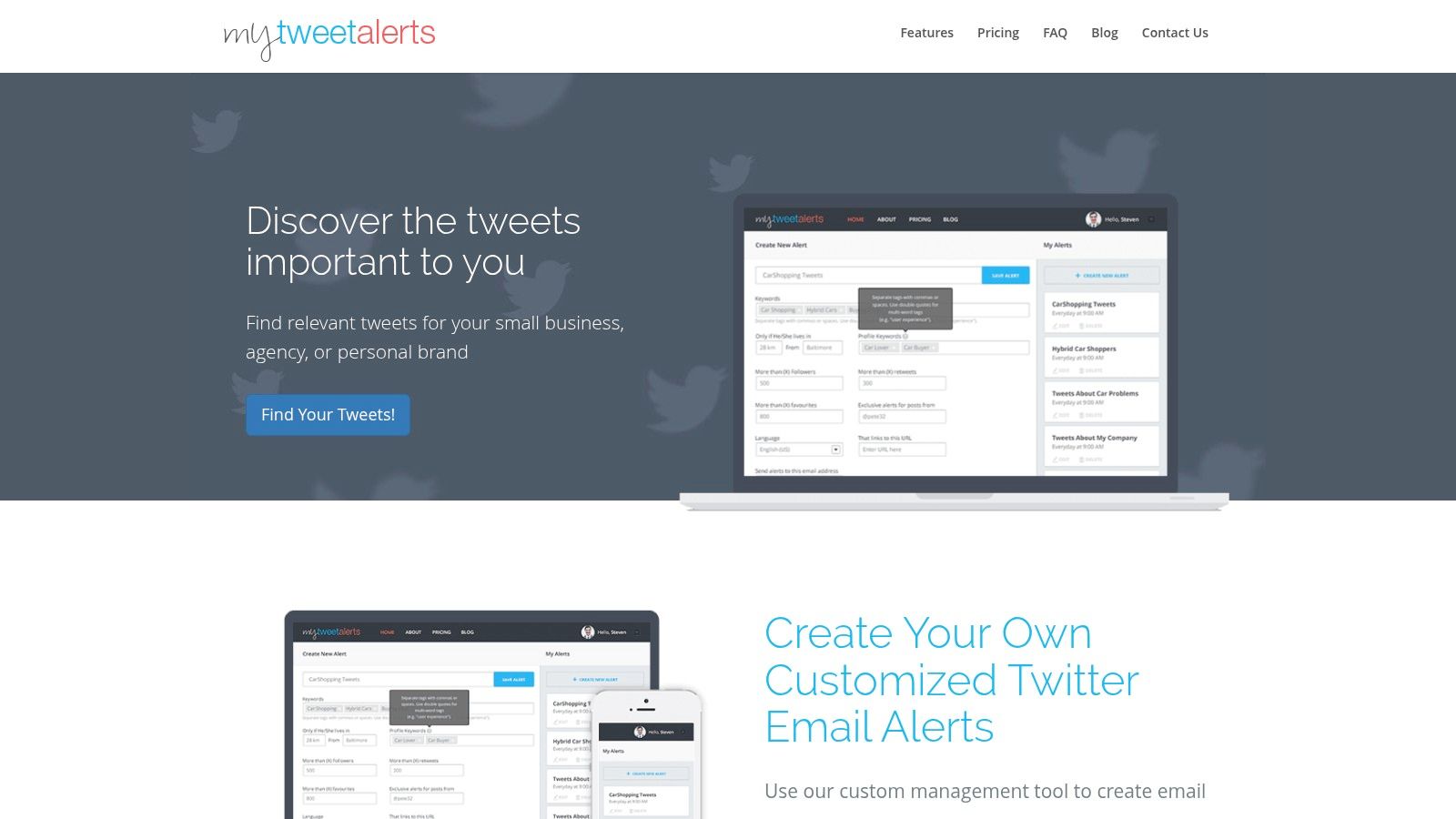
Its key differentiator is the ability to add multiple email recipients to a single alert, which is highly effective for team-based workflows. Whether it's a sales team tracking purchase intent signals or a support department monitoring customer issues, MyTweetAlerts ensures the right information gets to the right people promptly. Its low-cost entry point and generous email volumes on paid plans make it a scalable solution for growing businesses.
Key Features & Considerations
| Feature | Details | Use Case Example |
|---|---|---|
| Team Alerts | Add multiple email recipients to any saved search. | A PR agency adds both the account manager and the client to an alert tracking brand mentions. |
| Saved Searches | From 10 up to 300 saved searches depending on the plan. | A marketer creates separate searches for each competitor, product feature, and relevant industry hashtag. |
| Generous Trial | A full-featured 30-day trial is available. | A small business owner thoroughly tests the service's reliability for lead generation before subscribing. |
While MyTweetAlerts lacks the deep analytics found in enterprise-level tools, its core function is executed flawlessly. It provides an efficient and affordable way to set up customised twitter keyword alerts for anyone who values simplicity and effective email-based monitoring.
Website: https://mytweetalerts.com
4. Keyhole
Keyhole is a sophisticated social listening platform that elevates simple twitter keyword alerts into a real-time analytics powerhouse. It moves beyond basic mention tracking by offering intelligent notifications for events like sentiment shifts, engagement spikes, or mentions from verified influencers. This makes it ideal for brands and agencies that need to understand the context and impact behind conversations, not just see them as they happen.
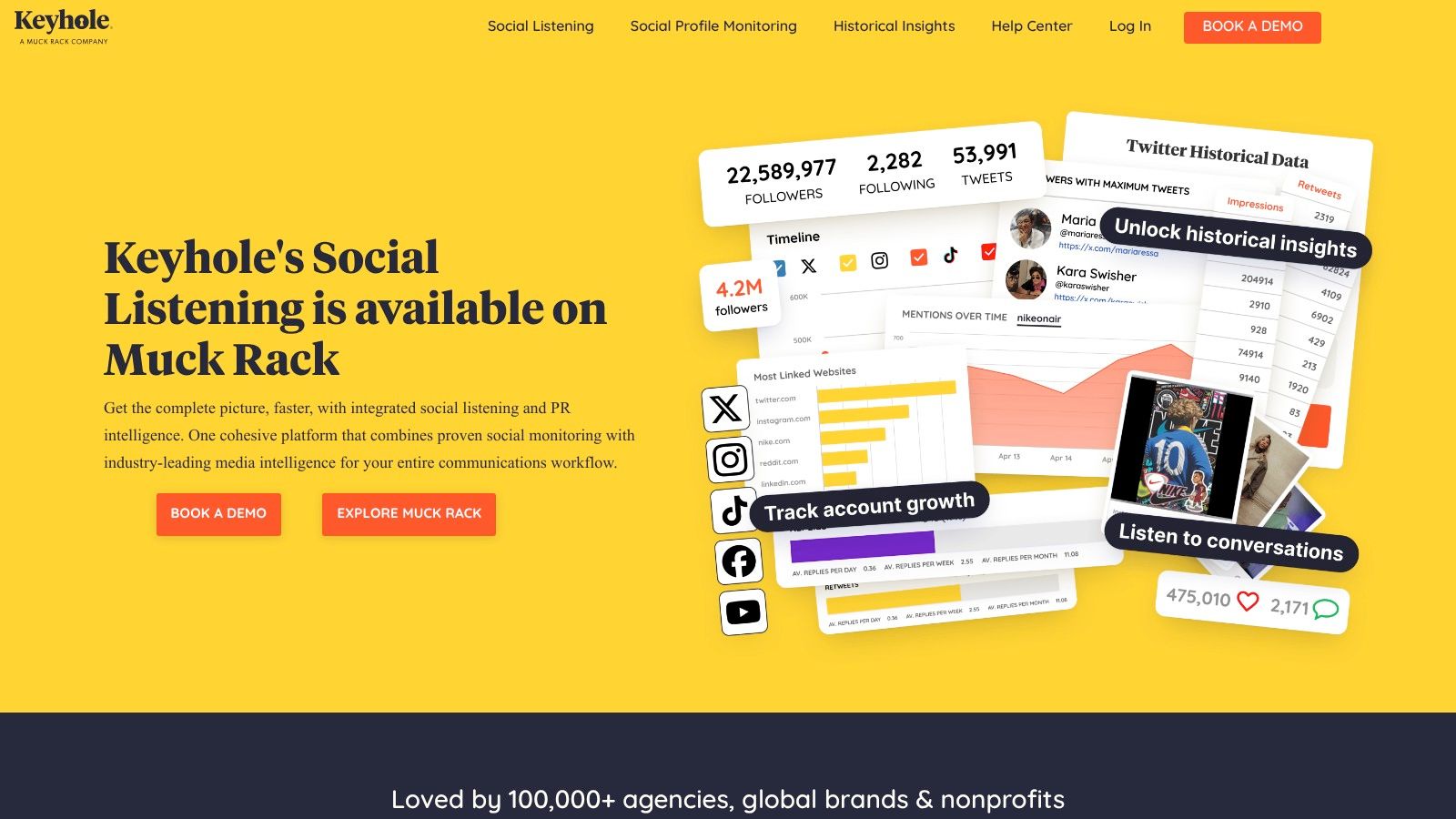
The platform’s strength lies in its powerful filtering and reporting. Users can create shareable, real-time dashboards to keep stakeholders informed and export data for deeper analysis. While subscription pricing is quote-based and geared towards professional teams, Keyhole also offers one-off historical data reports, providing a flexible way to analyse past campaigns or events without a long-term commitment. Its API access further extends its utility for custom integrations.
Key Features & Considerations
| Feature | Details | Use Case Example |
|---|---|---|
| Intelligent Alerts | Notifications for sentiment shifts, verified users, and volume spikes. | A PR team sets an alert to be notified instantly if a verified journalist mentions their brand with negative sentiment. |
| Reporting & Dashboards | Real-time shareable links, plus PDF/Excel exports and API access. | An agency provides its client with a live dashboard link to monitor campaign hashtag performance. |
| Historical Data | Option to purchase one-off historical Twitter data reports. | A researcher buys a report on all tweets mentioning a political candidate in the month before an election. |
Keyhole is best suited for users who require more than just a notification feed. It provides the analytical tools to measure the ROI of social conversations, making its twitter keyword alerts a strategic asset for data-driven marketing and brand management.
Website: https://keyhole.co
5. Brand24
Brand24 expands beyond just X (Twitter) to offer a broader social listening solution, making it ideal for businesses that want to monitor their brand across the entire web. It’s an SMB-friendly tool that tracks mentions from news sites, blogs, forums, and Reddit, in addition to social media. This comprehensive approach allows you to set up twitter keyword alerts while simultaneously capturing the wider public conversation about your brand, competitors, or industry.
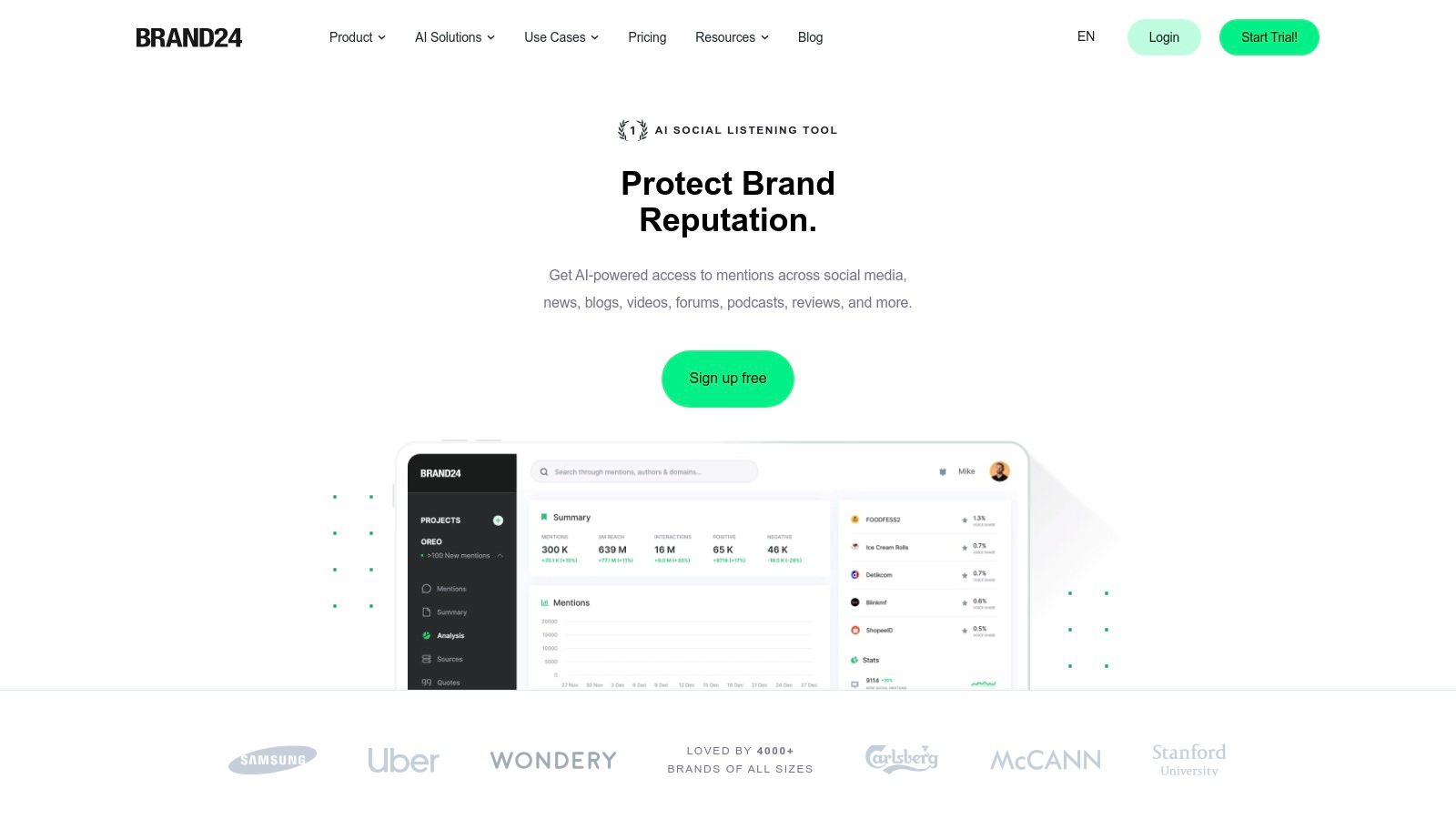
The platform stands out with features like AI-powered sentiment analysis and event detection, which help you quickly identify sudden spikes in conversation or shifts in public perception. Its transparent pricing and a 14-day free trial make it easy for growing teams to evaluate its capabilities without a major commitment. While keyword and mention limits apply per plan, Brand24 offers a great balance of power and accessibility for comprehensive monitoring. For those exploring different options, it's useful to see how it stacks up; you can find more information about Brand24 alternatives and comparisons online.
Key Features & Considerations
| Feature | Details | Use Case Example |
|---|---|---|
| Multi-Source Monitoring | Tracks X/Twitter plus news, blogs, forums, Reddit, and more. | A B2B company tracks its brand not just on X, but also on industry blogs and forums for deeper insights. |
| AI-Powered Insights | Automated sentiment analysis and AI Events Detection. | A marketing team uses AI to spot a sudden negative sentiment spike, allowing for a rapid PR response. |
| Pricing Tiers | Transparent plans with mention and keyword caps. A 14-day trial is available. | A small business starts with the free trial to monitor one key competitor before upgrading to a paid plan. |
Brand24 is a strong contender if you need your twitter keyword alerts to be part of a larger brand health monitoring strategy. Its speed-to-value is excellent for teams who need actionable insights quickly.
Website: https://brand24.com
6. Awario
Awario is a comprehensive social listening tool that extends beyond Twitter, but its real-time monitoring capabilities make it a strong contender for setting up detailed twitter keyword alerts. It’s designed for users who need more than simple notifications, offering analytics, sentiment analysis, and the ability to track mentions across the wider web. The platform stands out by allowing unlimited keywords and hashtags per monitoring topic, even on its entry-level plans.
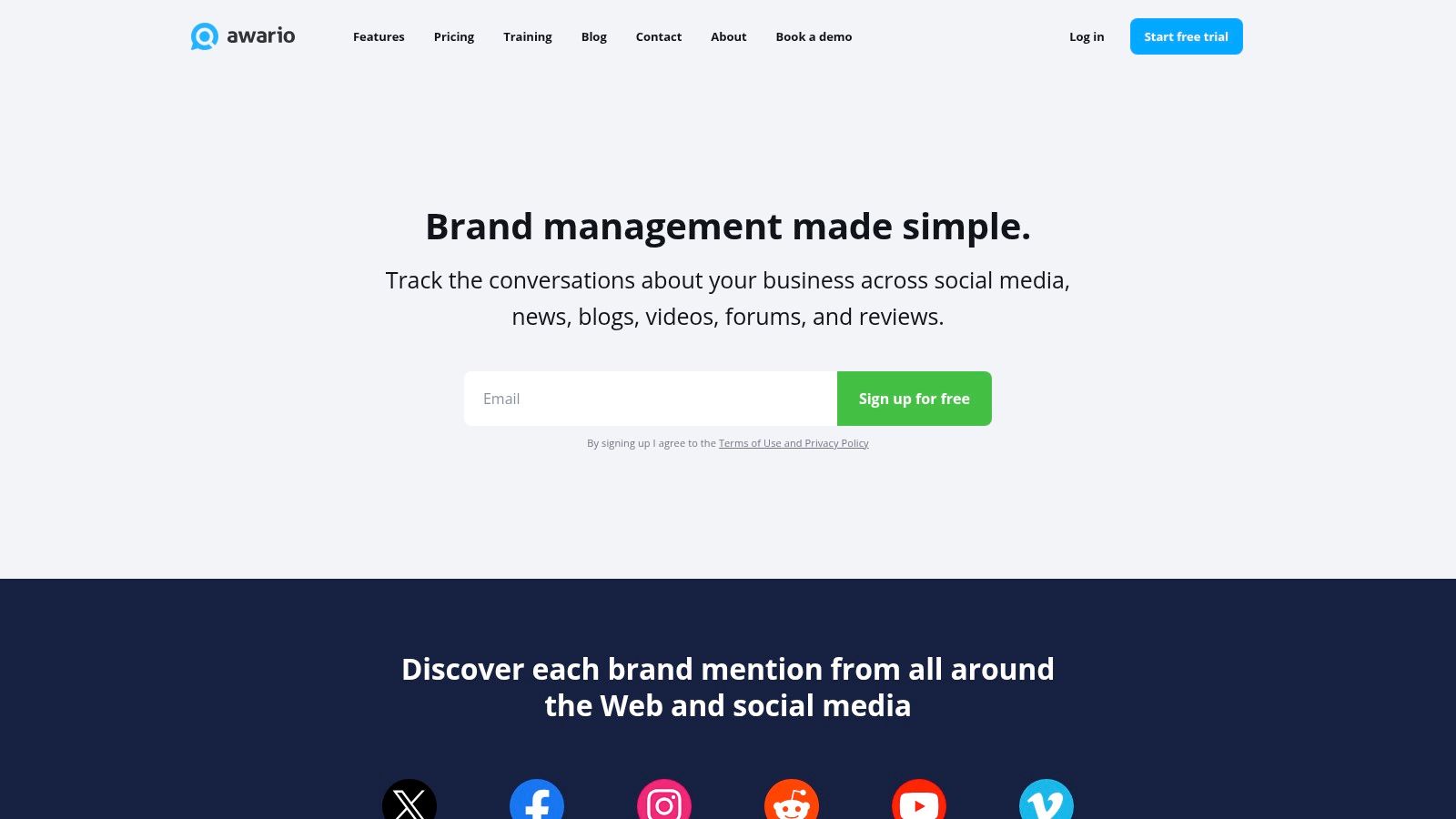
This flexibility is ideal for complex queries. Awario supports sophisticated Boolean search logic, enabling you to build highly specific searches that exclude noise and pinpoint relevant conversations. This is particularly useful for lead generation, competitor analysis, or managing brand reputation with precision. While mention limits and historical data access vary by plan, its competitive pricing makes advanced monitoring accessible.
Key Features & Considerations
| Feature | Details | Use Case Example |
|---|---|---|
| Boolean Search | Supports complex operators (AND, OR, NOT, FROM, etc.) within each alert topic. | A software company tracks "looking for CRM -salesforce -hubspot" to find sales leads. |
| Unlimited Keywords | No limit on keywords and hashtags you can add to a single alert topic. | An agency monitors a client's brand, CEO, products, and industry hashtags in one alert. |
| Data Exports & API | Higher-tier plans offer PDF/CSV exports and API access for integration. | A data analyst exports mention data to a CSV file for custom sentiment analysis in R. |
Awario offers a free trial to test its features. Its strength lies in providing powerful filtering and unlimited keyword setup at a competitive price, making it a great option for those who need to create nuanced twitter keyword alerts without investing in an enterprise-level platform.
Website: https://awario.com
7. Mention
Mention is an enterprise-grade social listening platform that extends far beyond just Twitter/X. It’s designed for organisations that require a holistic view of their online presence, bundling social media with web, news, and review site monitoring into a unified dashboard. This makes it ideal for brand management teams who need to track conversations and sentiment across the entire digital ecosystem, not just one platform.
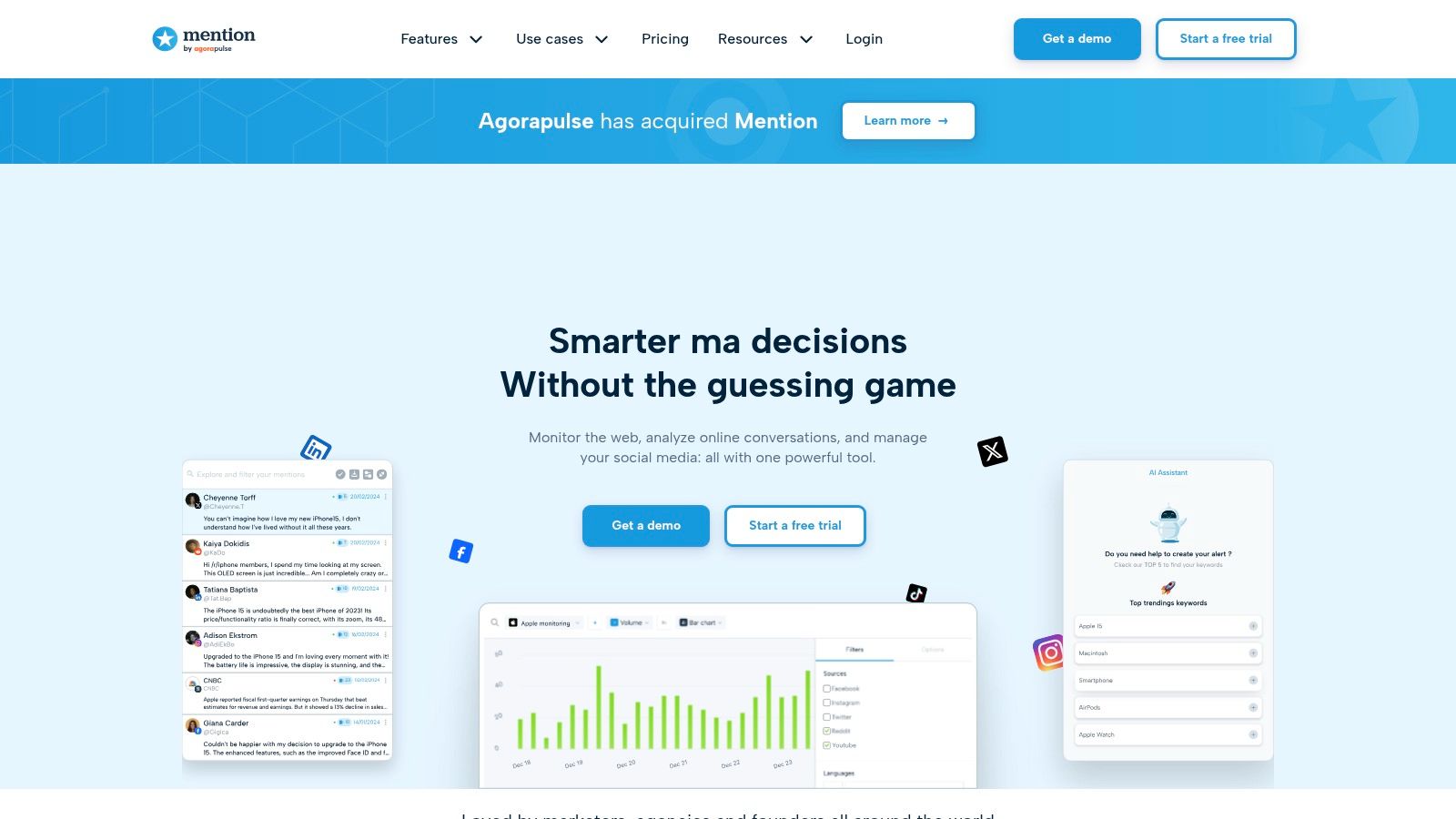
While its twitter keyword alerts are robust, its core strength is this all-in-one coverage. You can set up alerts not only for your brand name on X but also for competitor mentions on news blogs or industry keywords on forums. The platform is clearly geared towards larger teams, with features like competitive analysis, trend reports, and influencer identification. Its pricing and feature set reflect this, making it a powerful but significant investment compared to single-purpose tools.
Key Features & Considerations
| Feature | Details | Use Case Example |
|---|---|---|
| Multi-Source Monitoring | Tracks X alongside web, news, blogs, and review sites. | A hospitality brand monitors X for guest feedback and review sites for new ratings, all in one place. |
| Competitive Analysis | Dedicated dashboards to track competitor share of voice and sentiment. | A marketing agency generates a report comparing a client's online sentiment against two key rivals. |
| Pricing Model | Skewed towards enterprise; self-serve options are limited and start higher. | A growing company evaluates the "Solo" plan but may need a custom quote for team access and deeper analytics. |
Mention is an excellent choice for established businesses needing comprehensive media monitoring. However, for users whose primary need is simple twitter keyword alerts, the platform may be overly complex and expensive. Its UK/Europe focus with multi-currency pricing is a notable advantage for regional companies.
Website: https://mention.com
8. Sprout Social
Sprout Social is a comprehensive social media management platform where twitter keyword alerts are deeply integrated into daily team workflows. Rather than being a standalone alert tool, it incorporates mention and keyword monitoring directly into its Smart Inbox. This allows teams to manage, delegate, and respond to X conversations from the same dashboard they use for scheduling and analytics, creating a highly efficient, unified experience.
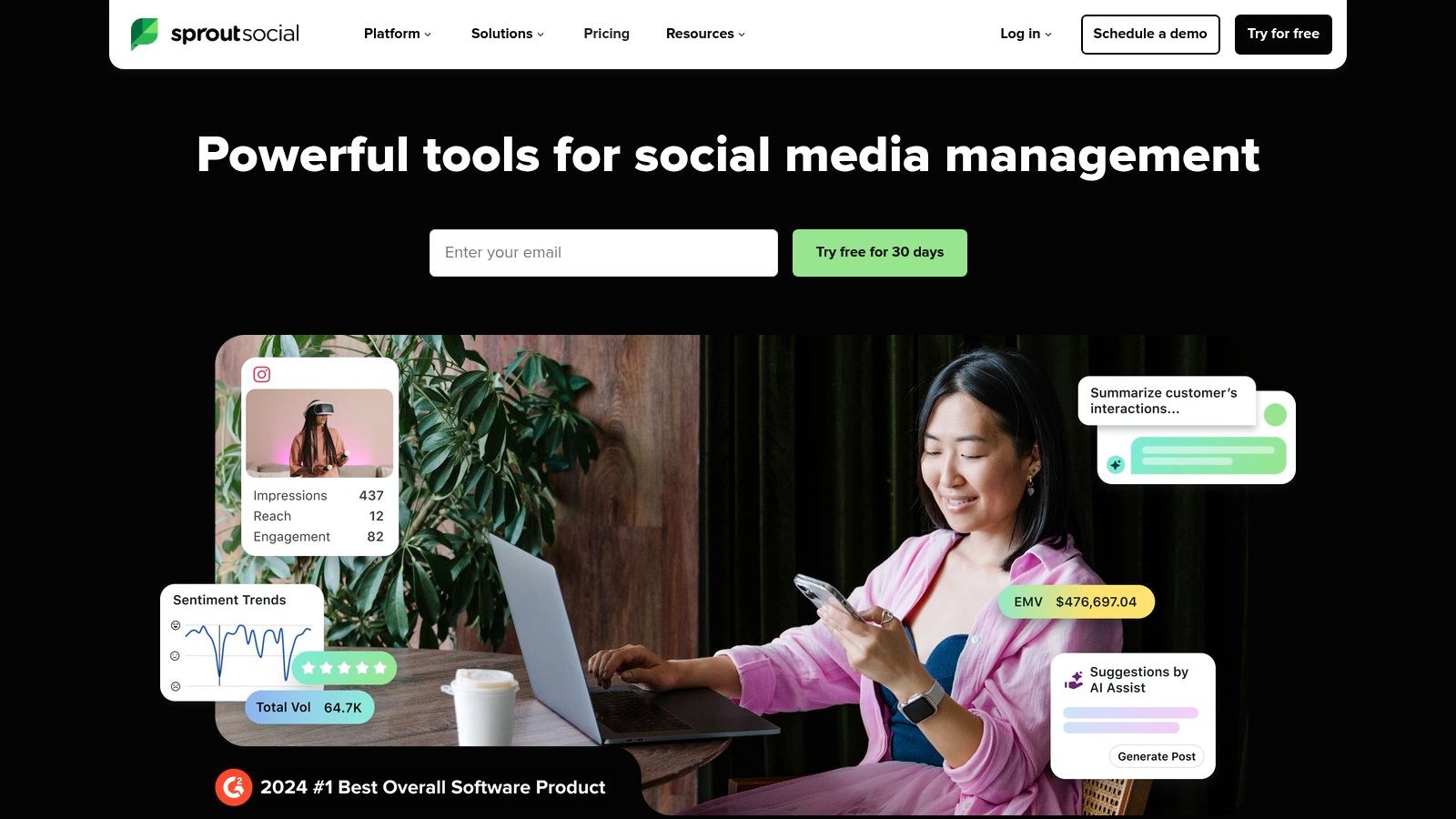
Its strength lies in providing a mature, collaborative environment for medium to large businesses. The platform’s Listening feature allows for the creation of sophisticated queries using keywords, hashtags, and proximity operators to filter out noise. These mentions then appear as actionable items in the inbox, ready for assignment. As one of the more robust social media monitoring tools, its powerful analytics provide deep insights into mention volume, sentiment, and trends over time.
Key Features & Considerations
| Feature | Details | Use Case Example |
|---|---|---|
| Integrated Smart Inbox | Monitors X brand keywords and location searches alongside direct messages. | A support agent views a keyword mention and a direct message from the same user in one unified thread. |
| Advanced Listening | A separate, more powerful query builder for in-depth topic and competitor analysis. | A marketing team builds a query to track sentiment around a competitor's product launch. |
| Team Collaboration | Assign tasks, add internal notes, and approve responses directly on incoming tweets. | A community manager assigns a technical question flagged by a keyword alert to an engineer for a response. |
While its per-seat pricing can be a significant investment for larger teams and some advanced listening features are add-ons, Sprout Social offers a 30-day free trial. This makes it ideal for organisations that need robust analytics and streamlined team workflows alongside their twitter keyword alerts.
Website: https://sproutsocial.com
9. Hootsuite
Hootsuite is a comprehensive social media management platform where monitoring is integrated directly into the core workflow. Rather than sending discrete alerts, it uses a customisable, column-based dashboard called "Streams" to provide a persistent, real-time view of specific keywords, hashtags, or mentions on X (formerly Twitter). This approach is ideal for users who manage multiple social media activities- such as scheduling posts and engaging with followers- and want their twitter keyword alerts within the same interface.

The platform allows teams to set up and share specific search streams, making it a powerful tool for collaborative brand monitoring or lead generation. A team member can identify a relevant tweet in a keyword stream and assign it to another user for follow-up, all within Hootsuite. This centralises the entire process from discovery to action, which is a key advantage over tools that only send notifications.
Key Features & Considerations
| Feature | Details | Use Case Example |
|---|---|---|
| Streams Monitoring | Create dedicated, real-time columns for any keyword, hashtag, or user search on X. | A marketing team keeps a persistent stream open for competitor brand names to analyse their customer interactions. |
| Team Collaboration | Shareable streams and internal assignment features allow teams to manage responses collectively. | A support agent assigns a tweet from a "product bug" search stream to a developer for investigation. |
| Free Trial | A 30-day trial is available to test the full suite of features before committing. | A small business owner uses the trial to monitor local keywords and assess the volume of potential leads. |
While Hootsuite is more of a complete social media suite than a dedicated alert tool, its integrated stream functionality offers a robust solution for continuous monitoring. Pricing can become complex with higher tiers and add-ons, but it scales effectively from individual users to large, organised teams.
Website: https://www.hootsuite.com
10. Agorapulse
Agorapulse is a comprehensive social media management suite that incorporates powerful listening features. While not a dedicated alert tool, its "Advanced Listening" functionality allows users to create sophisticated searches for X keywords and hashtags, alongside other web sources. This makes it an ideal solution for teams who want to integrate their twitter keyword alerts directly into their existing social media publishing and inbox management workflows, turning insights into immediate action.
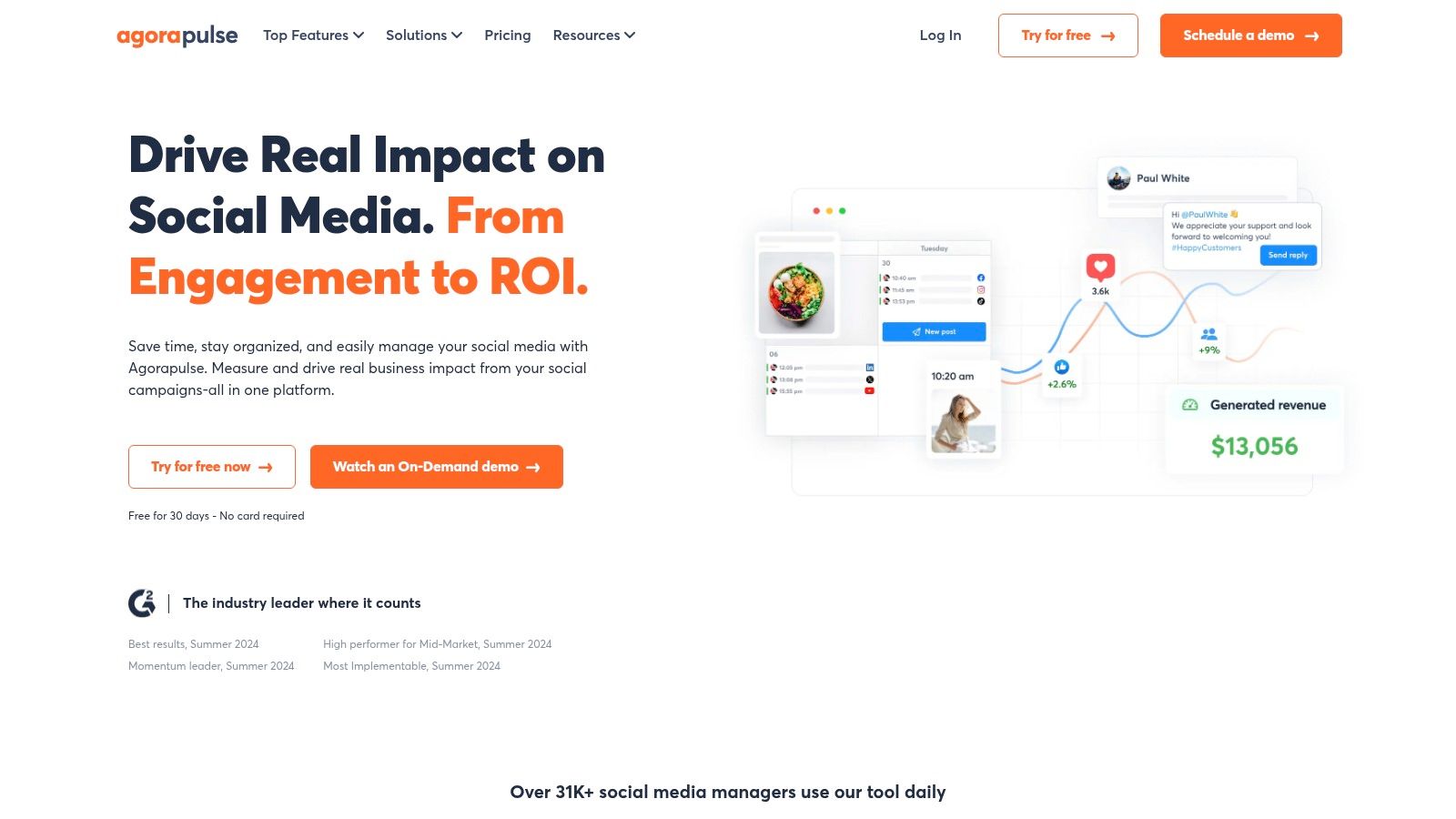
The platform excels at creating a clear process for handling mentions. You can configure alerts for sentiment changes or spikes in volume and automatically notify or assign items to teammates. This structured approach is perfect for larger teams managing brand reputation, customer support, or lead generation, ensuring no important conversation is missed. However, it's crucial to note that full X integration requires paid add-ons.
Key Features & Considerations
| Feature | Details | Use Case Example |
|---|---|---|
| Integrated Workflow | Listening results appear in a dedicated inbox, ready for assignment, labelling, or replying. | A support agent sees a negative tweet, labels it "urgent," and assigns it to a senior team member. |
| Advanced Listening | Create Boolean searches that monitor X, plus sources like YouTube and the web. | A marketing team tracks "new vegan restaurant London" but excludes the term "job" to find customer discussions. |
| X Integration Cost | Full X listening and management capabilities require paid "Lite/Plus" add-ons per profile. | A business must factor in the additional cost on top of their base plan to actively monitor X. |
For businesses already using or considering Agorapulse for their broader social media strategy, its listening feature provides a seamless way to manage twitter keyword alerts. The value lies in its deep integration, transforming monitoring from a passive activity into an actionable part of your daily workflow.
Website: https://www.agorapulse.com
11. Brandwatch
Brandwatch is a premier enterprise-grade social listening platform designed for large organisations that require deep consumer intelligence. It moves far beyond simple alerts, offering sophisticated analytics, AI-driven insights, and comprehensive dashboards that cover X (Twitter) and a multitude of other online sources. This platform is built for teams that need robust governance, scale, and the ability to integrate social data into wider business intelligence strategies, making it a powerful choice for holistic brand management.
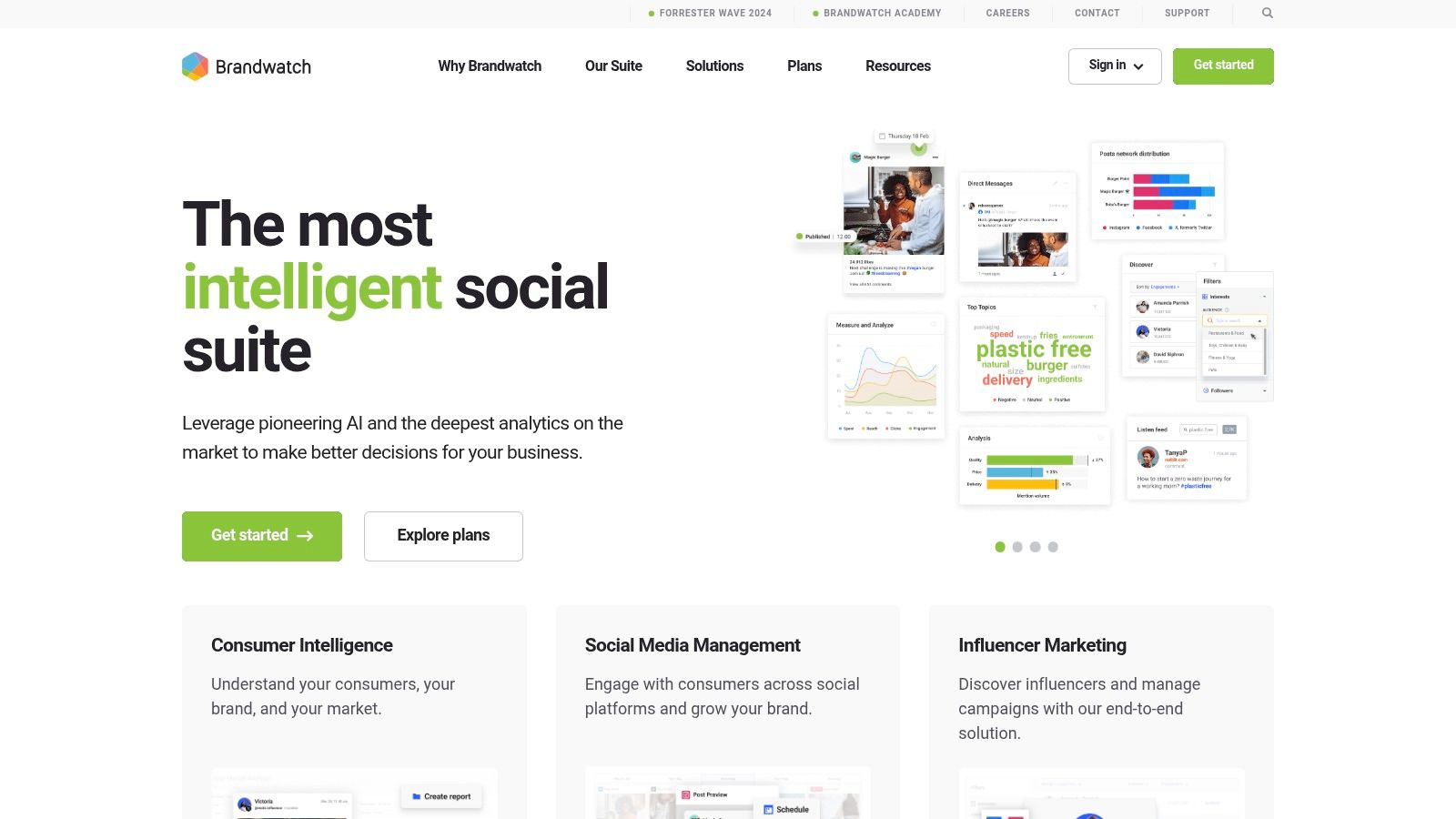
Its strength lies in its ability to process vast amounts of data and present it with context. While you can set up highly customised twitter keyword alerts, Brandwatch excels at visualising trends, analysing sentiment, and identifying key themes in conversations at a macro level. The platform requires a dedicated setup and onboarding process to maximise its value, reflecting its focus on enterprise clients who need a fully supported, scalable solution.
Key Features & Considerations
| Feature | Details | Use Case Example |
|---|---|---|
| Enterprise-Scale Listening | Advanced dashboards, AI-powered insights, and extensive multi-channel coverage. | A global brand uses Brandwatch to track sentiment across different regions and languages after a product launch. |
| Custom Alerts & Reports | Highly configurable alert triggers and detailed, customisable reporting capabilities. | A corporate communications team sets up alerts for executive mentions to manage reputation proactively. |
| Governance & Support | Includes user roles, permissions, and dedicated onboarding and support services. | A large company with multiple departments gives specific teams access to relevant data streams. |
Brandwatch is a significant investment and its custom pricing model means it's less accessible for smaller businesses. However, for large corporations needing deep, actionable insights from their twitter keyword alerts and broader social data, its power and scalability are unparalleled.
Website: https://www.brandwatch.com
12. Talkwalker
Talkwalker is a comprehensive social listening platform designed for enterprises that need to monitor conversations far beyond just X (formerly Twitter). It scans over 30 social networks, 150 million websites, and even visual media, providing a holistic view of a brand's digital presence. For businesses needing robust, global twitter keyword alerts, Talkwalker offers one of the most extensive data footprints available, powered by AI to deliver actionable insights.
The platform stands out with its powerful, configurable alerts and pre-built dashboards. Its Blue Silk AI helps to surface trends, analyse sentiment, and identify key themes from the noise. This makes it ideal for large organisations that require granular control and deep analytics for brand health, competitive intelligence, and crisis management on a global scale, supporting 187 languages. While it's powerful, its enterprise-level pricing and complexity may be excessive for simple monitoring needs.
Key Features & Considerations
| Feature | Details | Use Case Example |
|---|---|---|
| Broad Data Coverage | Monitors 30+ platforms, 150M+ sites, and visual media. | A global retailer tracks brand logo usage in user-generated images on X and Instagram. |
| AI-Powered Insights | Blue Silk AI provides sentiment analysis, theme detection, and trend forecasting. | A marketing team uses AI to identify emerging customer complaints before they become viral. |
| Global Reach | Supports 187 languages and extensive country-specific data. | An international airline monitors passenger feedback in multiple languages across different regions. |
Talkwalker's unlimited user model can be cost-effective for large teams, but its quote-based pricing positions it firmly in the enterprise market. For those exploring similar capabilities, it's worth reviewing a guide on Talkwalker alternatives on forumscout.app to find a tool that fits a smaller budget.
Website: https://www.talkwalker.com
Twitter Keyword Alerts: Top 12 Tools Comparison
| Tool | Core features & coverage | UX / Quality (★) | Price & Value (💰) | Target audience (👥) | Standout / Unique (✨) |
|---|---|---|---|---|---|
| ForumScout 🏆 | Monitors 10M+ sources (Reddit, X, LinkedIn, YouTube, IG, Bluesky, HN, forums, news); hourly updates; sentiment & Plutchik emotion | ★★★★☆ — explainable matches & smart alerts | 💰 $19 / $49 / $129; 7‑day free trial; API | 👥 Startups, SMBs, agencies, community & support teams | ✨ Plain‑English AI filters; match scoring; competitive "weakness finder" |
| Twilert | Focused X (Twitter) keyword monitoring; boolean filters; email & RSS/JSON feeds | ★★★★ — fast setup, near real‑time on higher tiers | 💰 Free daily tier; paid tiers for higher frequency | 👥 Users needing simple, fast Twitter alerts | ✨ Email/RSS alerts; geolocation & team/white‑label emails |
| MyTweetAlerts | Saved searches, unlimited email alerts, optional history & filtering | ★★★ — simple dashboard, team email support | 💰 Low‑cost entry; 30‑day trial; contact for enterprise | 👥 Non‑technical teams requiring email alerts | ✨ Generous email volumes; multi‑recipient per search |
| Keyhole | Real‑time hashtag/keyword tracking, spikes, verified mentions, historical exports & API | ★★★★ — strong alert controls & reporting | 💰 Quote‑based for advanced plans; one‑off historical reports from $50 | 👥 Marketers needing influencer & historical insights | ✨ Spike/influencer alerts; shareable reports & backfill |
| Brand24 | Web + social listening (news, blogs, forums, Reddit); AI event detection & exports | ★★★★ — transparent pricing, quick time‑to‑value | 💰 Tiered plans; 14‑day trial; mention/keyword caps per plan | 👥 SMBs and growing teams | ✨ AI Events Detection; Lightning Search for spikes |
| Awario | Real‑time web & X monitoring; unlimited keywords per topic; exports & API | ★★★ — flexible queries with Boolean support | 💰 Competitive entry pricing; scalable mention limits | 👥 Teams needing complex Boolean queries | ✨ Unlimited keywords per topic; good for custom queries |
| Mention | Social + web monitoring, dashboards, sentiment & competitive tracking | ★★★★ — company‑grade coverage & reporting | 💰 Higher starting price; multi‑currency support | 👥 Mid‑market to enterprise brands | ✨ All‑in‑one social + web coverage with reporting |
| Sprout Social | Social management + integrated listening; Smart Inbox & analytics | ★★★★☆ — mature workflows, strong analytics | 💰 Per‑seat pricing; 30‑day trial (can be costly at scale) | 👥 Teams needing publishing + listening in one suite | ✨ Robust team collaboration & query builder |
| Hootsuite | Column Streams for X keyword/search; scheduling, analytics, unified inbox | ★★★★ — familiar column UI; broad ecosystem | 💰 Tiered plans; 30‑day trial; pricing varies by region | 👥 Agencies & social teams using multi‑network workflows | ✨ Column‑style monitoring; scalable scheduling & team features |
| Agorapulse | Advanced Listening for X & web; alerts, dashboards, assignment workflows | ★★★★ — clear listening → inbox workflows | 💰 Tiered pricing; X access may need add‑ons | 👥 Teams already using Agorapulse for publishing | ✨ Integrated listening with publishing/inbox assignments |
| Brandwatch | Enterprise listening & consumer intelligence; advanced dashboards & governance | ★★★★☆ — highly scalable, enterprise support | 💰 Quote‑based; premium enterprise pricing | 👥 Large enterprises needing governance & scale | ✨ Enterprise governance, deep integrations & AI insights |
| Talkwalker | Comprehensive coverage (150M+ sites, visual media), real‑time alerts & AI insights | ★★★★☆ — very broad footprint & language support | 💰 Quote‑based; enterprise tier pricing | 👥 Global enterprises with complex monitoring needs | ✨ Visual media analysis, 187 languages & unlimited users |
Choosing the Right Alert System for Your Goals
Navigating the landscape of tools for Twitter keyword alerts can feel overwhelming, but as we've explored, the "best" tool is simply the one that aligns most effectively with your specific objectives, team structure, and budget. Moving from theory to practice requires a clear understanding of your primary use case, as this will dictate the necessary features and level of investment.
The journey begins with identifying your core need. Are you a startup founder hunting for early adopters and product feedback? A dedicated, highly-filtered tool like ForumScout might be your most efficient ally, cutting through the noise to find high-intent conversations. If your goal is purely to receive straightforward email notifications for brand mentions, specialised services like Twilert and MyTweetAlerts offer a no-frills, set-and-forget solution that excels in its simplicity. For many small and medium-sized businesses, this direct approach is often all that's required to stay informed.
Matching Tools to Your Organisational Needs
For larger teams or agencies already embedded in a comprehensive social media management platform, the decision-making process shifts. In these scenarios, the integrated listening modules within tools like Sprout Social, Hootsuite, or Agorapulse present a logical choice. The key advantage here is workflow consolidation: your alerts, analytics, and engagement tools all live under one roof, creating a seamless operational environment. While they may come at a higher price point, the efficiency gained from a unified dashboard can be invaluable for busy marketing departments.
Conversely, enterprises with complex needs, such as global brand health tracking, crisis management, or in-depth market research, should look towards the powerhouses of social listening. Platforms like Brandwatch and Talkwalker offer unparalleled data access, sophisticated analytics, and customisable reporting. Their capacity to analyse sentiment, track trends, and benchmark against competitors on a massive scale justifies their enterprise-level investment. When selecting an alert system, it's also worth considering specialised solutions that cater to specific industries; for instance, many modern platforms now offer features like AI brand tracking for SaaS companies, which provide tailored monitoring capabilities for a niche audience.
Your Actionable Next Steps
The most critical takeaway is that setting up Twitter keyword alerts is not a passive activity. It’s an iterative process of refinement. Start by defining what a "win" looks like for you: is it generating five qualified leads per week, responding to all customer support queries within an hour, or gathering ten pieces of actionable product feedback each month?
With that goal in mind, select two or three tools from our list that seem like a good fit and sign up for their free trials. Use this trial period to: * Test Your Queries: Implement the advanced search operators we discussed to see which tool returns the most relevant, high-quality results for your keywords. * Evaluate the Workflow: How easy is it to manage the alerts? Can you quickly triage, assign, or dismiss notifications? Does the delivery method (email, Slack, webhook) fit into your team's existing processes? * Assess the Signal-to-Noise Ratio: Pay close attention to how much irrelevant chatter you have to sift through. The less noise, the more valuable the tool.
By moving from passive reading to active experimentation, you transform this guide from a simple list into a powerful decision-making framework. The right system is out there, waiting to connect you with the conversations that matter most to your brand's growth and reputation.
Ready to cut through the noise and find conversations that convert? ForumScout is designed to deliver highly relevant, AI-filtered leads and mentions from X and beyond, directly to your inbox or Slack. Start your free trial of ForumScout today and see how precise keyword alerts can fuel your growth.